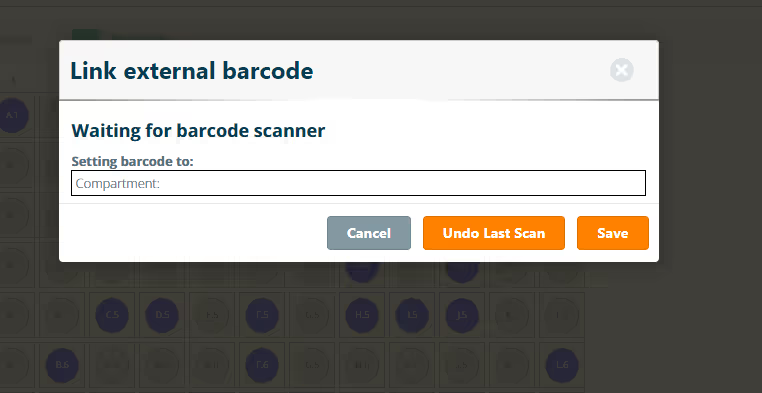
The Compartment Barcode add-on lets you link your (externally generated) barcode to a storage compartment. After scanning a linked barcode, the Inventory Browser will automatically open the corresponding compartment to visualize its contents. Compartments can be moved from one location to another within the same (or different) storage unit.
How to get started
Step 1) Once the add-on is installed, select 'Link Barcode' in your Inventory Browser.
Step 2) When you scan a linked barcode, you'll be able to visualise the compartment and its contents.
Key Features & Benefits
Use Cases
More add-ons and integrations

Amass
Connect your experiments to the wider scientific evidence and decide what to test next

SciSure MCP
Connect the AI environment your organization chooses with permitted scientific information in SciSure.

BioSkepsis
Every experiment ends with one question: what to run next. BioSkepsis answers it inside SciSure, from what the published evidence actually shows, so your next move rests on the literature, not a hunch.