


Chemical Inventory Software & SDS Management
Scientist trusted. EHS & Lab Ops approved.
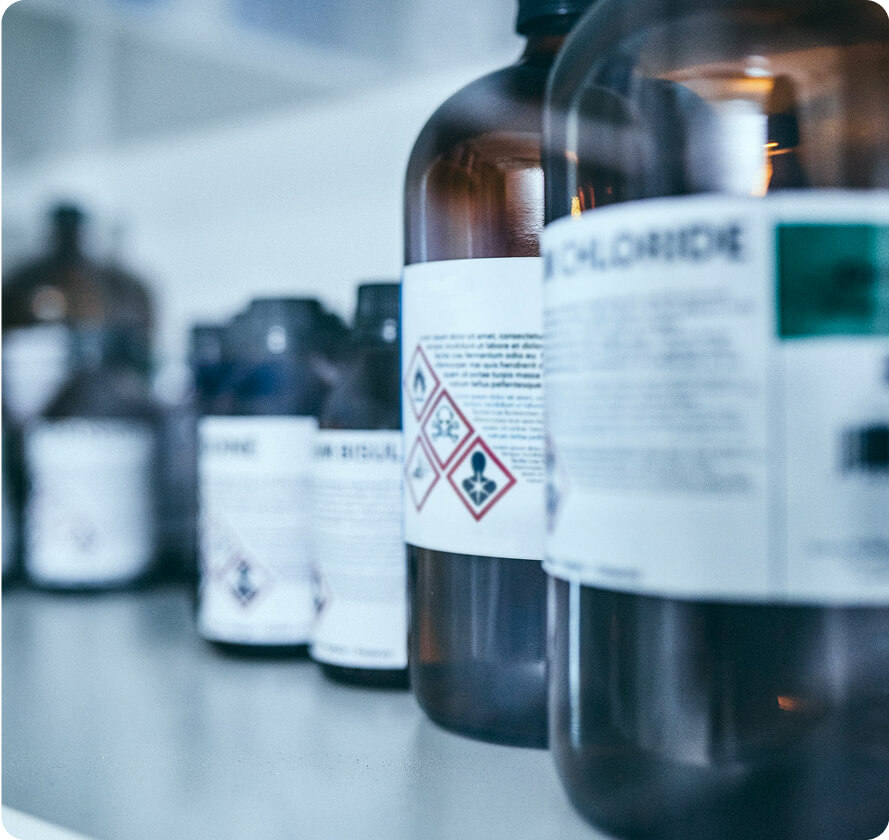
One chemical inventory your whole lab can trust
Keep your container records accurate, get the right SDS matched automatically, and run Tier II and fire code reports from the same data.

Accurate chemical inventory
If your chemical records live scattered across spreadsheets, who's keeping them up to date? With SciSure ChemTracker, you have:
- Real-time tracking so you always know what’s in stock.
- Barcode & RFID scanning for effortless logging and retrieval.
- Automated inventory audit & monitoring reduces manual errors.
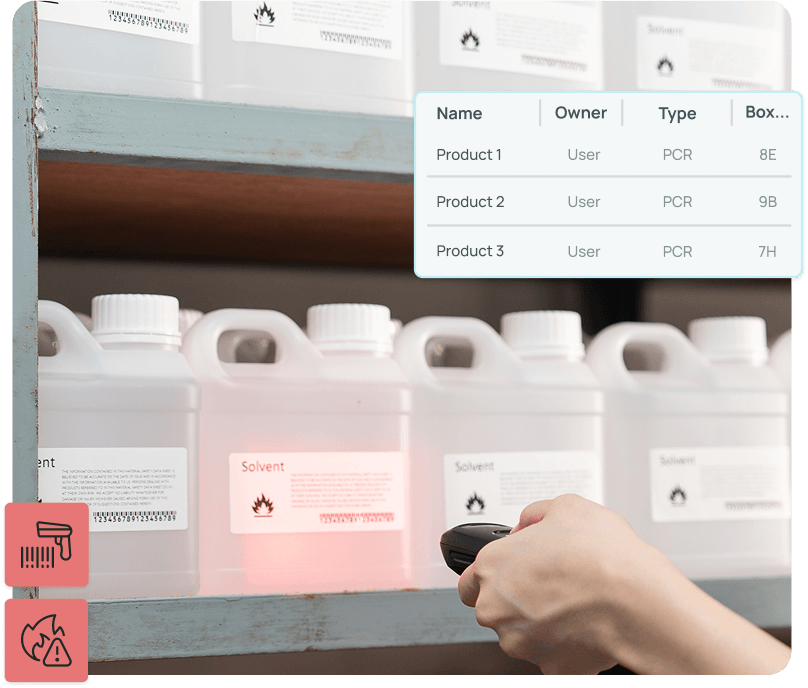

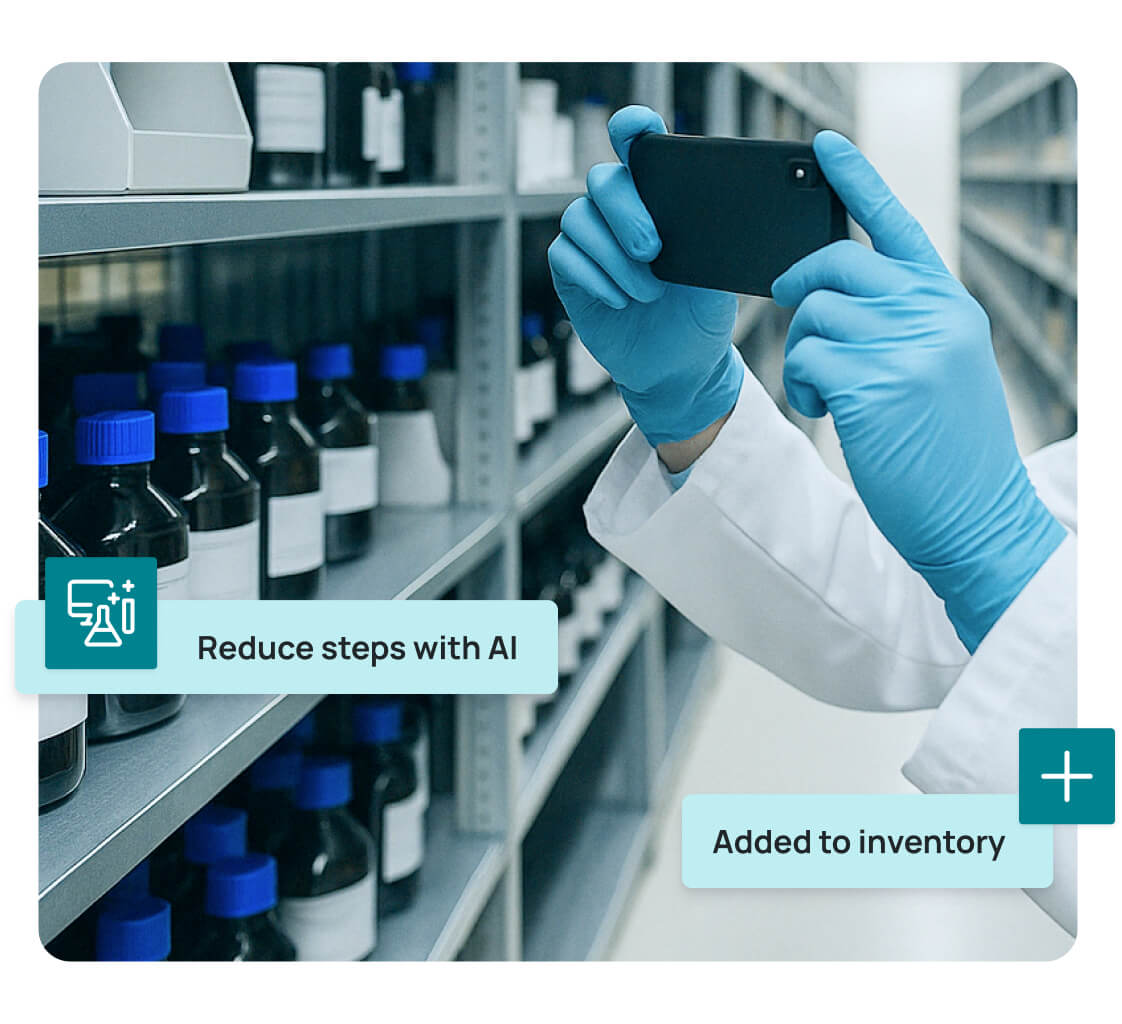
ChemSnap AI & SDS Auto-Match
Every hazardous chemical in your lab needs a current SDS your team can reach fast. SciSure matches each container to the right one, so it's a click away when someone needs it.
- Robust ChemTracker proprietary database ensures regulatory compliance.
- Reduce steps with AI enhanced inventory management.
- Quickly search chemicals for critical safety information & auto attach SDS files.

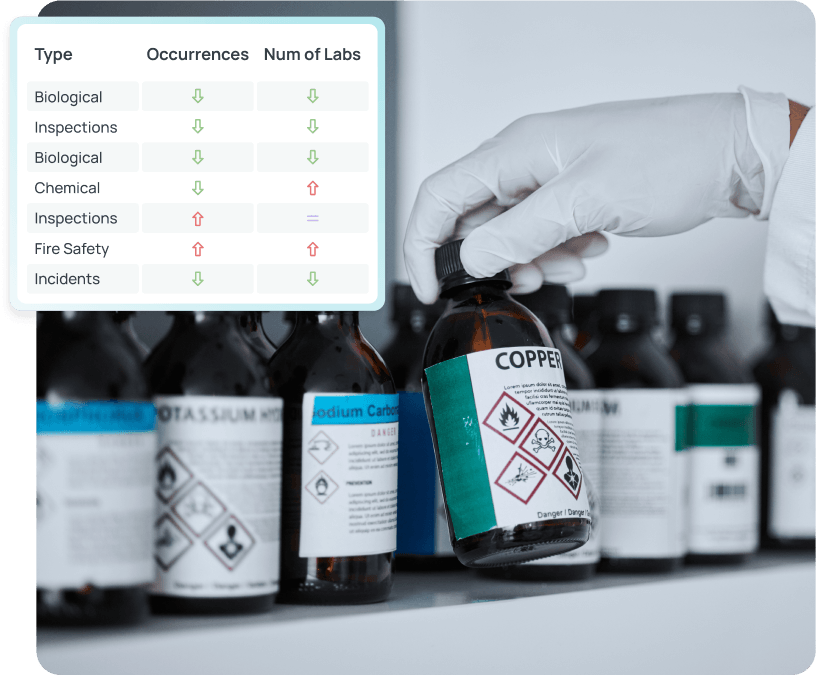
Compliance without the admin overload
Run Tier II and fire code reports straight from your chemical inventory. No more rebuilding totals from spreadsheets or written notes.
- Automated compliance reporting for effortless documentation.
- Easily view, track, and locate high-hazard materials and chemicals individually or by lab group.
- Tamper-proof audit logs ensure full traceability.
- User-friendly for Scientists, Lab Ops, and EHS teams
What SciSure ChemTracker includes

Peer Search
See what other labs already have and borrow it before you reorder

SDS coverage at a glance
Spot containers missing an SDS, attach your own, and download SDSs in bulk when you need them.

Regulatory reports
Run Tier II, right-to-know, NFPA, and CFATS screening reports from your live inventory.

Inventory that stays with the lab
Records belong to the lab group, not one person. With HR directory or SSO integration, access ends when someone leaves.

Real-Time Inventory Tracking
Monitor chemical quantities and locations to prevent shortages and overstock.

Integrated SDS Management
Access and update Safety Data Sheets effortlessly.

Automated Compliance Reporting
Generate reports to meet regulatory standards with ease.

Barcode and RFID Support
Streamline inventory processes and reduce manual errors.

User Access Controls
Restrict access to hazardous materials based on user roles.

Waste Tracking Integration
Manage chemical disposal processes to maintain compliance.

Customizable Reporting
Create reports tailored to your organization's needs.

Fire Code & MAQ’s
Generate reports by control area or floor for fire code compliance, with hazard class assignments built-in.
Expand your SciSure with integrations and add-ons
One platform, tailored to your research needs

“As an EHS professional, I'm able to get all necessary information - inspections, training, personnel, chemical inventory - at my fingertips.”

Frequently asked questions
Everything you need to know about SciSure's chemical inventory & SDS management software
SciSure’s ChemTracker gives each chemical container a unique record with its owner, storage location, amount, units, and relevant product details. Chemicals linked to the central ChemTracker database also carry hazard and regulatory information. Your team can add containers, update quantities, record moves, and remove empty containers through the same system. Keeping those records current gives researchers, lab operations, and EHS a shared view of what is on hand.
When SDS Auto-Match is enabled, ChemTracker looks for an SDS using chemical identity, synonyms, CAS number where applicable, manufacturer, and product number. New containers are normally checked within about 20 minutes. If a match from the specified manufacturer is unavailable, the system may use an SDS from another trusted manufacturer. Your team should check that the attachment suits the actual product. Ask us which SDS options fit your setup.
Yes. Authorized users can upload and attach an SDS to an individual container or assign a local SDS in bulk. Filters help you find containers with no SDS attached and prioritize gaps for review. Eligible containers are periodically rechecked by Auto-Match, but manually attached SDSs are excluded from its annual recheck. Your team therefore owns the review and replacement of those documents. See our guide to keeping chemical inventory and SDS records up to date.
No. ChemTracker can generate a unique container ID, and teams can maintain inventory without physical barcode or RFID labels. Labels make routine scanning, moves, removal, and reconciliation easier. Existing barcode IDs can be retained if they are unique within your organization’s inventory. Choose labels and readers that suit your containers and storage conditions. Our chemical inventory tracking tools guide explains the tradeoffs between barcodes, RFID, and QR codes.
Yes. ChemSnap AI helps you add chemical inventory by photographing a container label with your smartphone. It can populate available details such as chemical identity, CAS number, container size, manufacturer, lot number, product name, and product number. Review the captured values, complete any missing information, and confirm the owner and storage location before saving. Photo capture speeds up intake; the resulting container record can still use a barcode or RFID identifier.
Yes. Authorized users can add or update up to 9,999 container records per spreadsheet import. A matching Container ID updates an existing record; a new or blank ID creates a new one. Blank fields retain existing values when updating records. The tool checks for import errors and warnings, but database linkage still needs review afterward. Imports add and edit records; use bulk edit or reconciliation to remove containers. Our multi-site chemical inventory guide covers migration and rollout planning.
Build updates into receiving, moves, and empty-container removal, then compare physical stock with recorded inventory on a regular schedule. ChemTracker’s reconciliation tool supports checks by space, with or without scanning, to confirm containers and resolve discrepancies. Bulk edit applies the same change to up to 1,000 containers. When a container is empty, remove it from active inventory so it stops counting toward current totals and reports. Its record stays in removed inventory with its group and location, and labs using removable barcode labels can collect them from empty containers for a regular scan-out. If a container turns up later, reactivate it individually or through reconciliation. Read how to keep your chemical inventory up to date for practical maintenance routines.
Yes. The central database includes pure chemicals, mixtures, buffers, and commercial products. You can also create a local, unlinked entry for a material that is not listed. These entries remain specific to your organization and do not automatically inherit central hazard or regulatory data. Oversight users can add that information and use a PubChem Compound ID to retrieve available properties. Unlinked chemicals need relevant regulatory data added before they appear in regulation-based reports.
ChemTracker is built for chemicals measured by mass, volume, unit, or gas-cylinder equivalents. It isn’t designed as a biological-sample inventory, although biological kits and their hazardous chemical components can be recorded using documented conventions. For samples, cell lines, and other biological materials, SciSure’s LIMS handles tracking, storage, and lineage, and biosafety registration in Health & Safety covers oversight. See our sample management use case for how the two fit together.
Depending on configuration, ChemTracker supports reports for containers, totals, and constituents by regulation, federal Tier II, selected state or local Right-to-Know requirements, NFPA categories, fire code, and CFATS screening. By-regulation and by-constituent reports also handle one-off requests, such as a list of every peroxide-forming chemical on site. Reports can be exported to CSV for review and further work. Available reports and location scopes vary, so confirm the outputs your sites need during evaluation. Our guide to chemical inventory reporting for fire safety explains how inventory data supports reporting.
Yes. ChemTracker’s fire code reports summarize chemical quantities by hazard category and control area to support maximum allowable quantity (MAQ) reviews. Default MAQs come from IBC 2015, with adjustments for configured cabinets and sprinklers; control-area MAQs can also be configured. Your EHS team should confirm the applicable code edition, building conditions, and local authority requirements. Read Fire Code Compliance and MAQs and see how SmartLabs uses ChemTracker for MAQ reviews.
Yes. ChemTracker’s Display Units tool converts totals into supported units, including grams, kilograms, and pounds. It is available in group totals, organization-level totals, and Totals by Regulation. Conversions between mass and volume use density data from the chemical database, so they depend on that data being available. This lets teams keep familiar inventory units while producing totals in the units needed for review and reporting.
Yes. ChemTracker supports group-level inventory management and administrative oversight across your organization’s instance. Permissions determine who can view, add, edit, import, or reconcile inventory. Locations and group ownership help EHS review chemicals across labs and buildings. When enabled by your safety team, Peer Search also lets authorized researchers find chemicals in other groups before ordering more. See five lab problems ChemTracker solves for examples of shared visibility and daily use.
The records stay with the lab. In ChemTracker, containers belong to a lab group rather than the person who added them, so a departing researcher doesn’t take the inventory with them. Group leaders and administrators manage access as people join and leave. If your institution uses an HR directory or single sign-on (SSO), ChemTracker can connect to it so departed users lose access automatically. This is usually set up during implementation.
Can’t find the answer you’re looking for? Please chat to our friendly team.
The future of science starts here
What to expect:

A walkthrough of our Scientific Management Platform (SMP)
Insights into how SciSure can solve your lab's specific challenges
No pressure, just expert guidance and honest answers