









Bring your chosen AI closer to your scientific data
Connect compatible AI environments with permitted information in SciSure ELN and LIMS while maintaining authentication, user permissions, and read-only access.
Ask questions your research records can answer
SciSure MCP lets scientists retrieve relevant information from SciSure ELN and LIMS
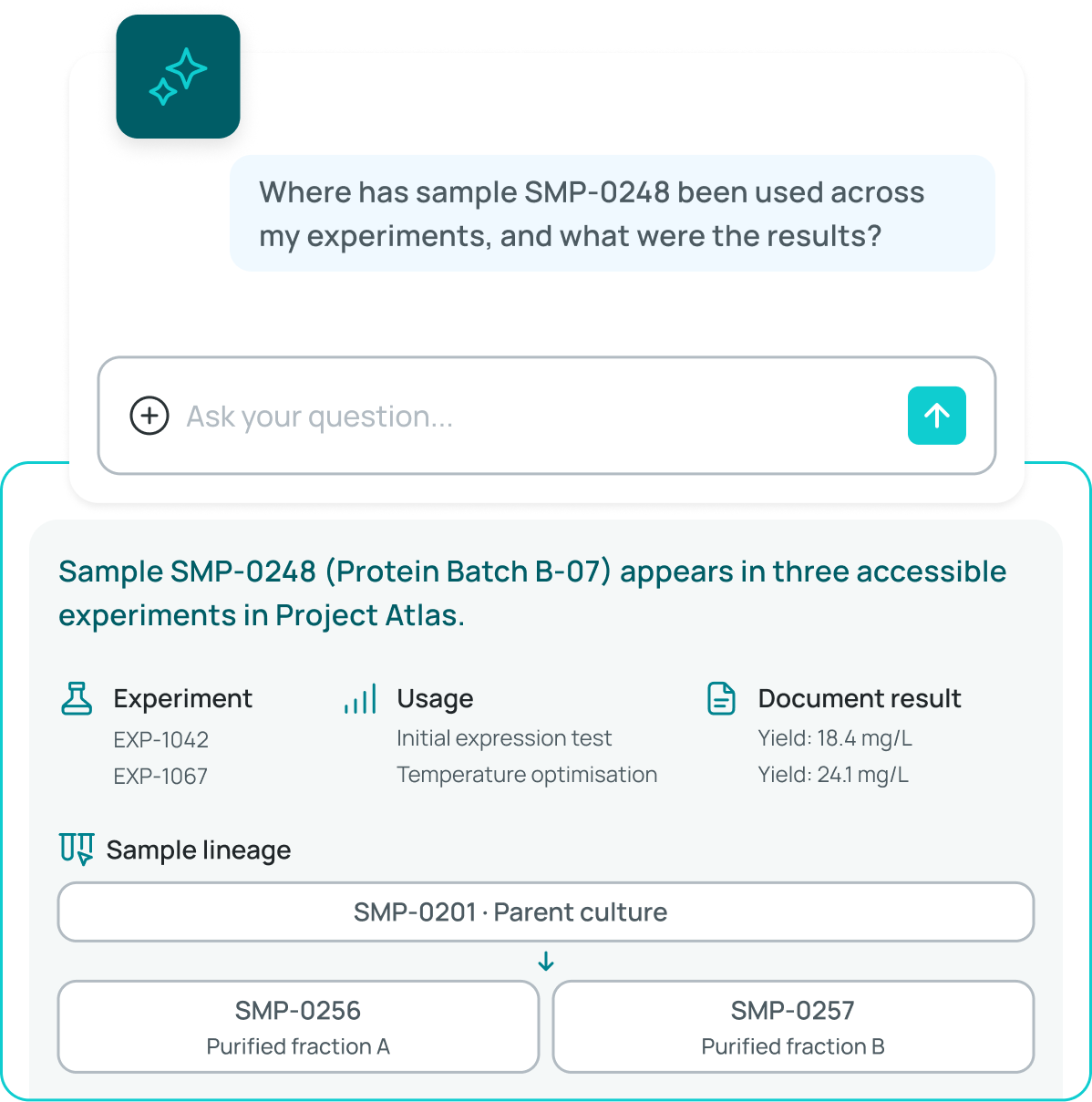
Where has sample SMP-0248 been used across my experiments, and what were the results?
Sample SMP-0248 (Protein Batch B-07) appears in three accessible experiments in Project Atlas.
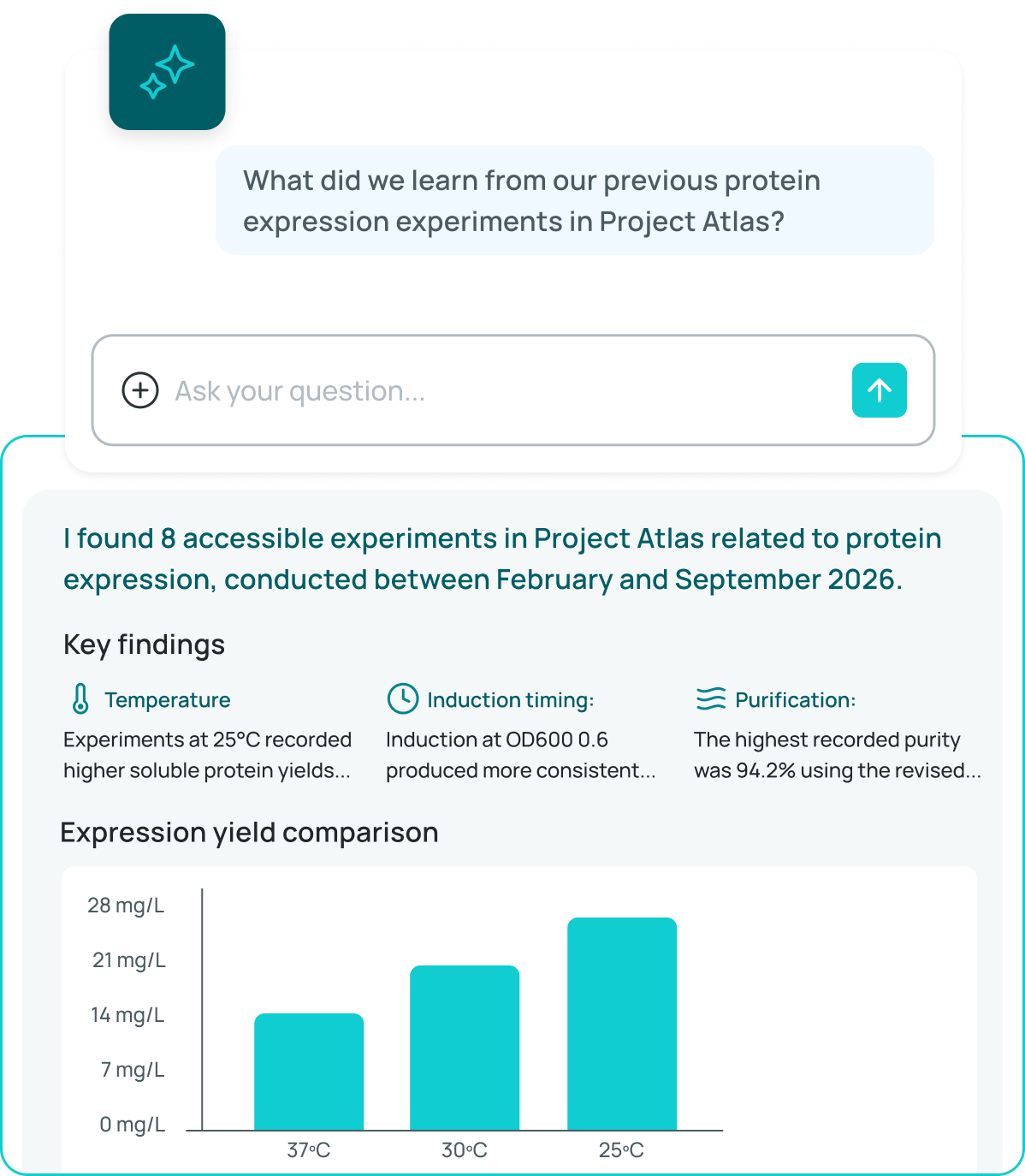
What did we learn from our previous protein expression experiments in Project Atlas?
I found 8 accessible experiments in Project Atlas related to protein expression, conducted between February and September 2026.
Key findings
Expression yield comparison
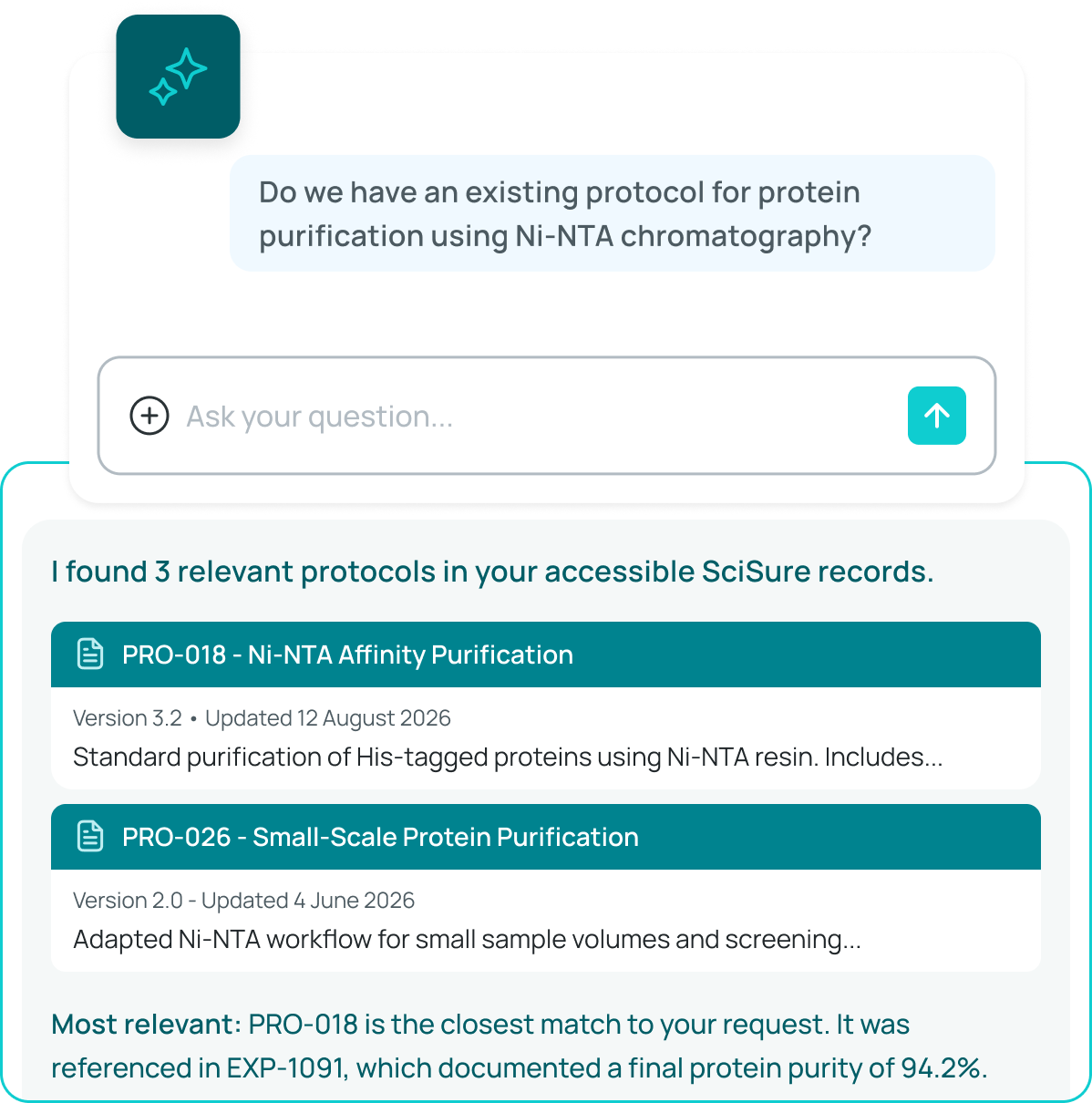
Do we have an existing protocol for protein purification using Ni-NTA chromatography?
I found 3 relevant protocols in your accessible SciSure records.
Most relevant:PRO-018 is the closest match to your request. It was referenced in EXP-1091, which documented a final protein purity of 94.2%.
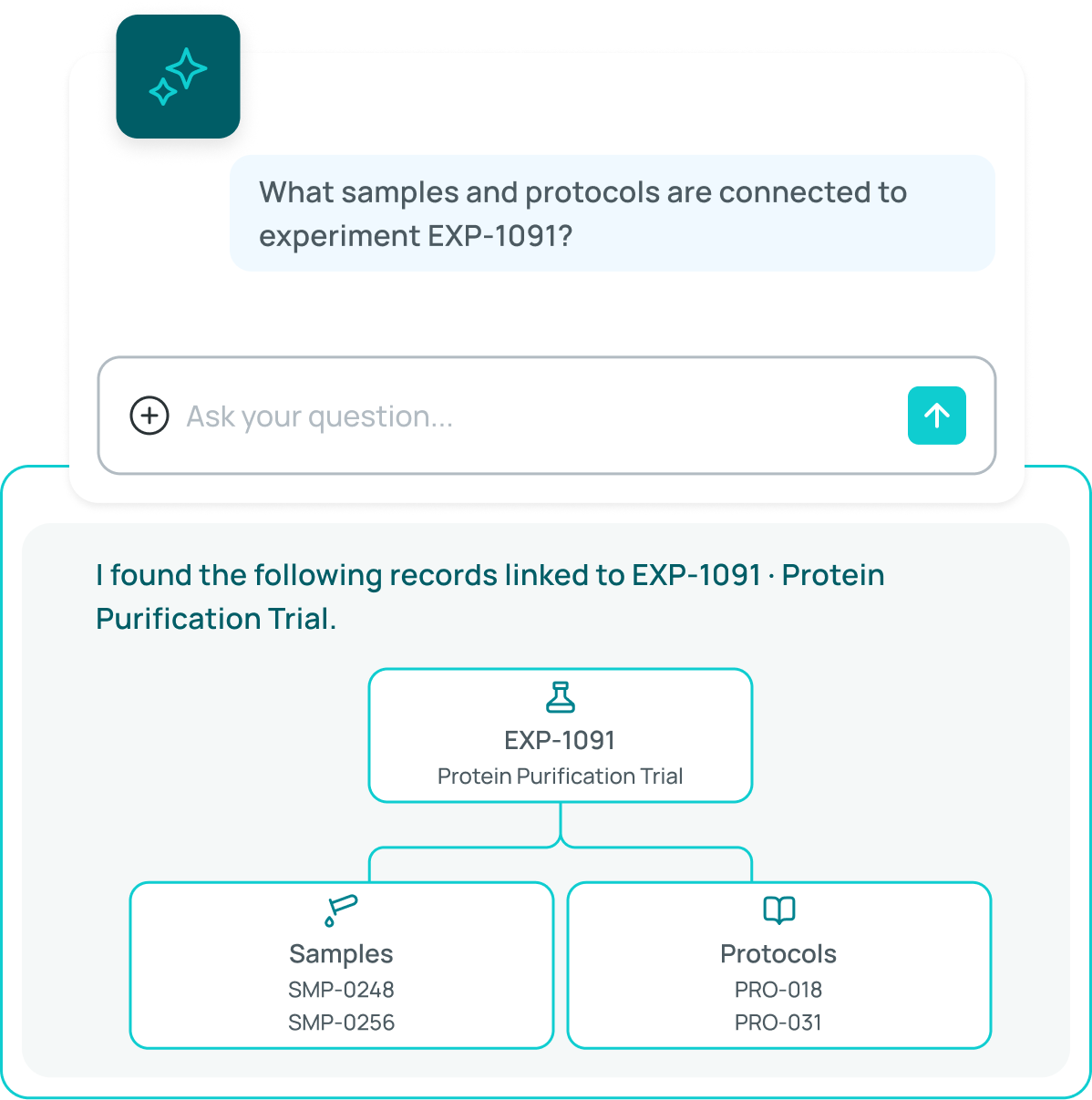
What samples and protocols are connected to experiment EXP-1091?
I found the following records linked to EXP-1091 · Protein Purification Trial.
Trace materials across experiments
Revisit previous work
Find existing methods
Understand connected records
Connect AI without opening unrestricted access
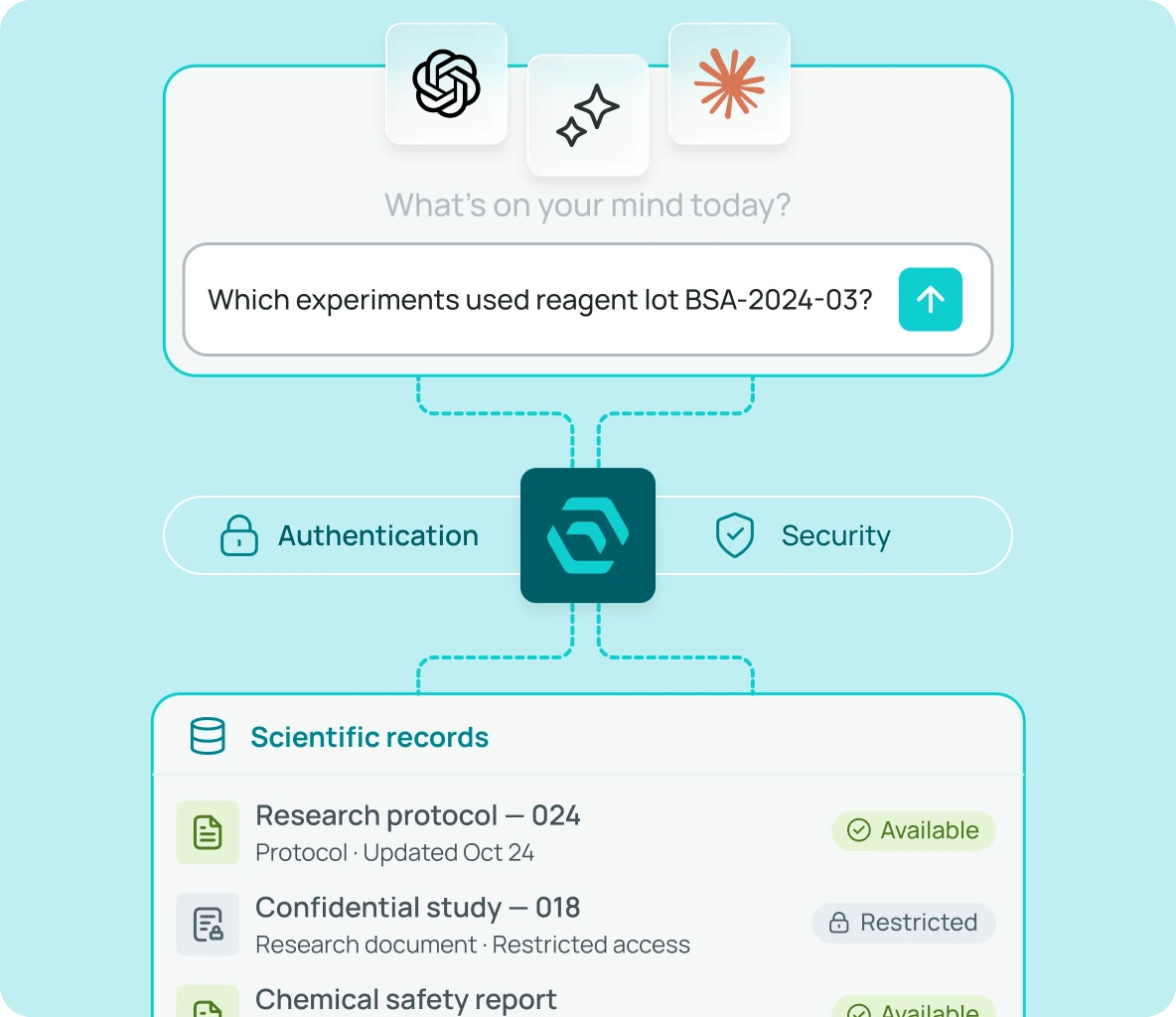
Model Context Protocol (MCP) provides a standardized way for compatible AI environments to request information from SciSure ELN and LIMS
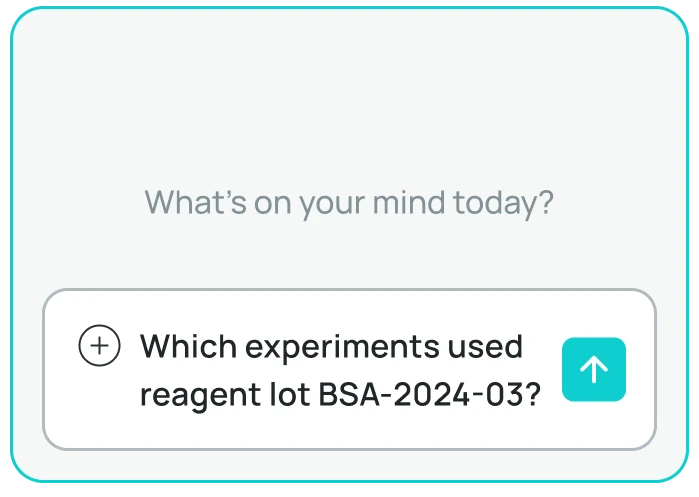



1. Ask a question
A scientist submits a question through a compatible AI environment.
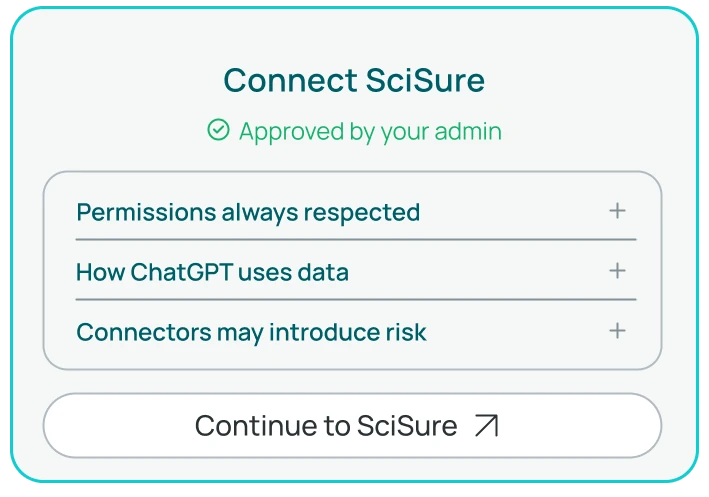
2. Authenticate the request
SciSure verifies the connection and applies the permissions of the authenticated user.
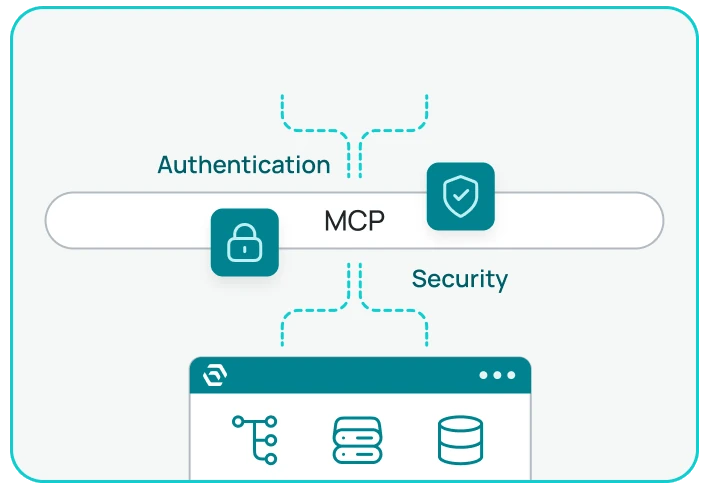
3. Retrieve permitted information
SciSure returns relevant information from supported records for the AI environment to present or summarize.
*The AI does not receive unrestricted access to the SciSure environment. It can only retrieve supported information that the authenticated user has permission to view.
Choose the connection that fits your environment
SciSure MCP supports different approaches based on your organization’s infrastructure, AI policies, and preferred tools
Connect through the MCP Proxy
Use the SciSure-hosted MCP Proxy to connect a supported cloud-based AI environment with your SciSure instance.
The proxy provides a prepared connection endpoint and routes authenticated requests to the appropriate SciSure environment, reducing the infrastructure your team needs to configure and maintain.
Connect directly to SciSure
Connect a compatible MCP client directly to your SciSure instance without using the SciSure-hosted proxy.
This approach can support locally hosted AI models, allowing prompts, retrieved information, and responses to remain within infrastructure controlled by your organization.
Existing access rules still apply
Authenticated connections
MCP requests are authenticated before SciSure processes them.
User-level permissions
The connection follows the access permissions of the authenticated user. Information the user cannot access in SciSure cannot be retrieved through MCP.
Read-only access
SciSure MCP retrieves supported information without allowing the AI environment to modify scientific records.
Customer choice
Your organization chooses whether to enable MCP, which compatible AI environment to connect, and which connection method fits its requirements.
Ready to connect SciSure MCP?
Administrators can find technical requirements and setup instructions for supported AI environments in the SciSure Developer Hub
Frequently asked questions
Model Context Protocol, or MCP, is an open standard that allows compatible AI environments to connect with external tools and data sources through a consistent interface.
SciSure MCP can provide read-only access to supported information including profiles, experiments, samples, sample types, and protocols. Access remains subject to the permissions of the authenticated user.
No. The current SciSure MCP capability is read-only. It does not allow connected AI environments to edit experiments, samples, protocols, or other records.
Organizations using eligible SciSure environments can connect compatible locally hosted AI models through a direct MCP connection. The exact setup depends on the selected model and infrastructure.
Supported cloud-based AI environments can connect through the SciSure-hosted MCP Proxy. Available providers and requirements may change as MCP support develops.
No. MCP follows the permissions of the authenticated SciSure Research user. A user cannot retrieve information through AI that they cannot access directly in SciSure.
No. SciSure MCP is currently available only for private-cloud and on-premises environments.
Detailed setup and configuration guides are available through the SciSure Developer Hub.
Still have questions?
Can’t find the answer you’re looking for? Chat with our friendly team.